
Introduction
As a WordPress site owner, you have many responsibilities, but one of the most critical is security. You can have strong passwords, firewalls, and secure hosting, but if you don’t know what’s happening on your site, you’re missing a key piece of the security puzzle. This is where a WordPress activity log comes in. It’s like having a security camera system for your website, recording every important action taken by users and the system itself.
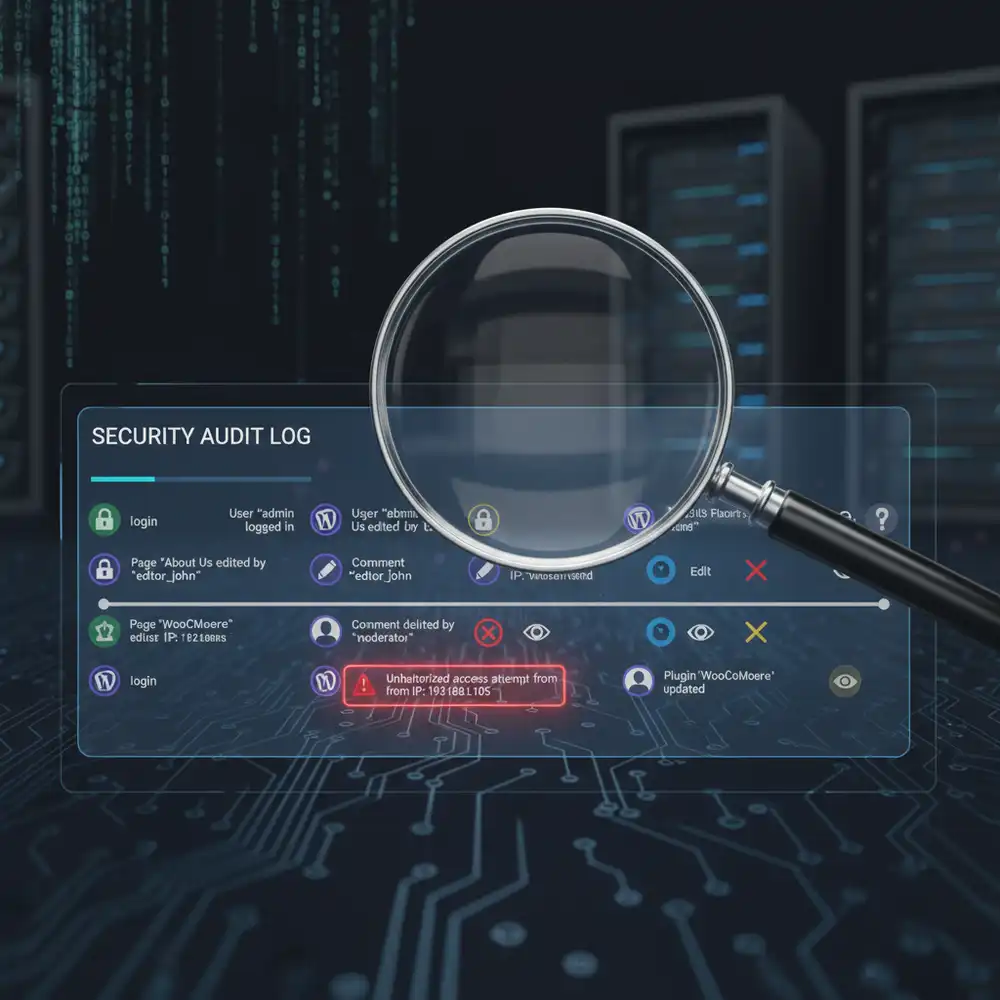
An activity log (also known as an audit log or audit trail) is a chronological record of events and changes that occur on your WordPress site. It tells you who did what, when they did it, and from where. This visibility is invaluable for troubleshooting problems, holding users accountable, and, most importantly, detecting and investigating suspicious behavior before it leads to a major security breach.
This guide will explain why a WordPress activity log is an essential security tool, what you should be monitoring, and the best plugins to help you implement a comprehensive logging system. By the end, you’ll understand how to leverage activity logs to gain crucial insights into your site’s operations and significantly strengthen your security posture.
Why You Need a WordPress Activity Log
Maintaining an activity log is a proactive security measure that offers numerous benefits:
- Early Detection of Security Breaches: An activity log can alert you to suspicious behavior in real-time. For example, you can see multiple failed login attempts from an unknown IP address, unauthorized changes to files, or a user suddenly changing another user’s role. This allows you to act quickly to block a potential attack.
- Troubleshooting and Debugging: When something goes wrong on your site (e.g., a page is deleted, a setting is changed), an activity log helps you pinpoint exactly what happened, who did it, and when. This dramatically speeds up the troubleshooting process.
- User Accountability: On a multi-author website, an activity log provides a clear record of every user’s actions. This encourages accountability and helps you track productivity and ensure that users are adhering to their assigned roles, as discussed in our WordPress User Roles and Permissions guide.
- Forensic Analysis After a Hack: If your site is ever compromised, a detailed activity log is an invaluable tool for forensic analysis. It can help you understand how the attacker gained access, what they did, and what vulnerabilities they exploited, which is crucial for cleaning the site and preventing future attacks.
What to Monitor in Your Activity Log
A comprehensive activity log should track a wide range of events on your WordPress site. Here are some of the most important things to monitor:
- User Activity:
- Logins/Logouts: Successful and failed login attempts, user logouts.
- User Profile Changes: Changes to user profiles, passwords, or email addresses.
- User Registration: New user registrations.
- User Role Changes: Any changes to user roles (e.g., a user being promoted to Administrator).
- Content Changes:
- Posts/Pages: Creation, modification, or deletion of posts, pages, and custom post types.
- Comments: Creation, modification, or deletion of comments.
- WordPress Core, Theme, and Plugin Activity:
- Plugin/Theme Installation: Installation, activation, deactivation, or deletion of plugins and themes.
- Updates: Updates to WordPress core, themes, and plugins.
- WordPress Settings Changes:
- General Settings: Changes to site title, URL, or other core settings.
- Permalink Changes: Any modifications to your site’s permalink structure.
- File Changes (if supported):
- Some advanced activity log plugins can monitor for changes to your WordPress core files, which can be a strong indicator of a hack.
How to Implement a WordPress Activity Log
While WordPress does not have a built-in, user-facing activity log, you can easily add this functionality with a plugin. Here are some of the best activity log plugins available:
1. WP Activity Log (formerly WP Security Audit Log)
- Features: This is one of the most comprehensive activity log plugins for WordPress. It provides a detailed, real-time log of everything happening on your site. It can track user activity, content changes, plugin/theme changes, and much more.
- Why it’s a top choice: It offers extensive coverage, email notifications for critical events, and integrations with other tools. The premium version adds features like reports, user session management, and the ability to see what users are doing in real-time.
2. Solid Security (formerly iThemes Security)
- Integrated solution: While primarily a security suite, Solid Security includes a robust activity logging feature. It tracks user activity, file changes, and other important events.
- Why it’s a good option: If you’re already using Solid Security for overall protection, its built-in activity log is a convenient and powerful addition. It provides a centralized dashboard for all your security needs.
3. Sucuri Security
- Auditing and monitoring: The Sucuri plugin includes a security activity auditing feature that logs important events like logins, failed login attempts, and content changes. It also integrates with Sucuri’s cloud-based WAF for even more comprehensive monitoring.
- Why it’s a strong contender: Sucuri is a well-respected name in website security, and their plugin provides a solid foundation for monitoring and hardening your site. For more on the benefits of a WAF, see our guide on Choosing Secure WordPress Hosting.
4. Activity Log
- Simple and lightweight: This is a more straightforward, free plugin that tracks all major events on your WordPress site. It’s a great option if you need a basic, easy-to-use activity log without the complexity of a full security suite.
Best Practices for Using Your Activity Log
- Review Logs Regularly: An activity log is only useful if you review it. Make it a habit to check your logs daily or at least a few times a week. Look for any unusual or unauthorized activity.
- Configure Email Notifications: Set up email alerts for critical events, such as administrator logins, plugin installations, or changes to user roles. This allows you to respond immediately to high-risk actions.
- Filter and Search: Use the filtering and search features of your activity log plugin to quickly find specific events or investigate incidents.
- Archive Old Logs: To keep your database from getting too large, configure your plugin to archive or delete old logs after a certain period (e.g., 90 or 180 days). However, ensure you comply with any data retention policies your organization might have.
Conclusion
A WordPress activity log is an indispensable tool for any security-conscious website owner. It provides the visibility you need to monitor your site for suspicious behavior, troubleshoot issues, and maintain accountability among users. By transforming your site from a “black box” into a transparent environment, you can catch security threats early and respond effectively before they cause significant damage.
Choose a reliable activity log plugin, configure it to monitor critical events, and make a habit of reviewing your logs regularly. This proactive approach to security will give you greater control over your website and the peace of mind that comes with knowing what’s happening behind the scenes. For more information on security monitoring, you can refer to the OWASP Logging Cheat Sheet, which provides excellent general guidance.
Frequently Asked Questions (FAQs)
Q1: Why do I need a WordPress activity log?
You need a WordPress activity log to monitor what’s happening on your website. It helps you detect suspicious behavior early, troubleshoot problems quickly, hold users accountable for their actions, and conduct forensic analysis after a security incident. It’s a crucial tool for proactive website security.
Q2: Does WordPress have a built-in activity log?
No, WordPress does not have a comprehensive, user-facing activity log by default. To get detailed logging of user actions, content changes, and system events, you need to install a dedicated activity log plugin.
Q3: What is the best activity log plugin for WordPress?
WP Activity Log is widely regarded as one of the most comprehensive and detailed activity log plugins for WordPress. However, other excellent options include the logging features within security suites like Solid Security (formerly iThemes Security) and Sucuri Security, or simpler plugins like Activity Log.
Q4: What kind of suspicious activity should I look for in my logs?
You should look for multiple failed login attempts from the same IP address, logins at unusual hours, unexpected changes to user roles (especially promotions to Administrator), unauthorized plugin or theme installations, and changes to critical files like wp-config.php.
Q5: Can an activity log slow down my website?
A well-coded activity log plugin should have a minimal impact on your website’s performance. These plugins are designed to run efficiently in the background. However, to keep your database optimized, it’s a good practice to configure your plugin to archive or delete old logs after a certain period.
