
Free WordPress Spam Comment Remover Plugin – Bulk Delete Spam Comments in Seconds
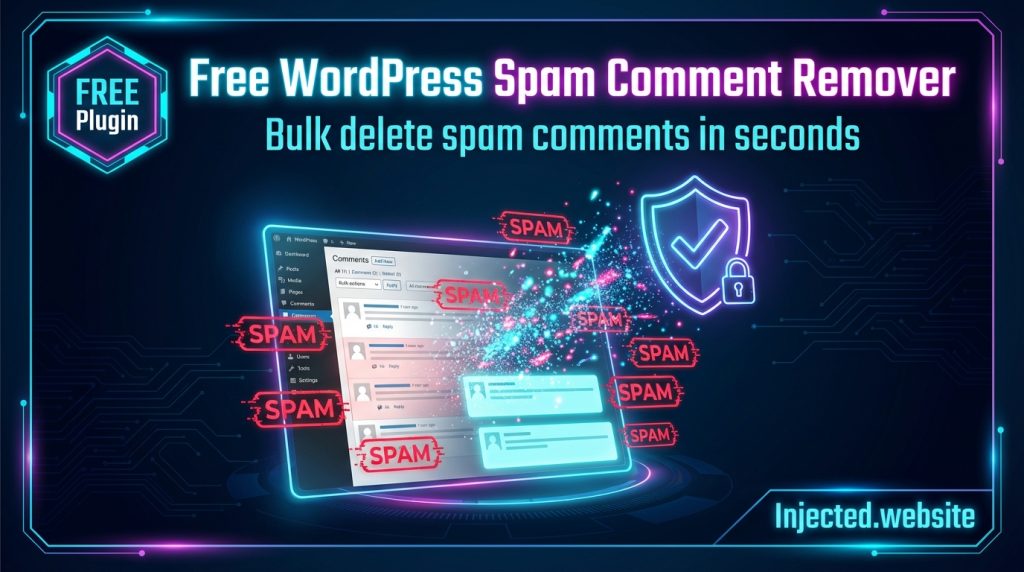
🆓 100% Free WordPress Plugin — No Premium Upsells, No Limitations The most powerful free spam comment cleaner with 15+ smart detection filters, instant bulk deletion, and built-in backup. Clean thousands of spam comments with one click. Download Free Plugin (v1.3.0) Quick Answer: How to Bulk Delete Spam Comments in WordPress 🎯 TL;DR: Install the […]
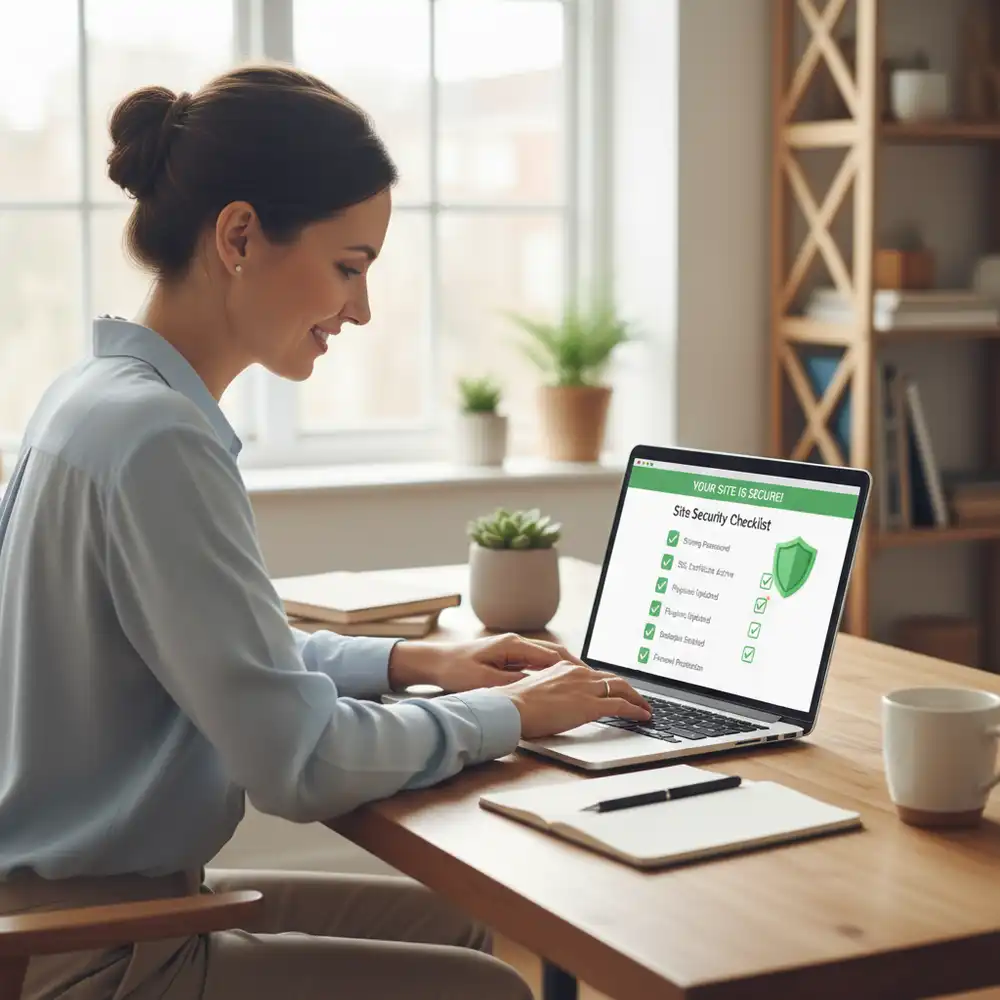
WordPress Security Checklist for Small Businesses: Complete 2025-2026 Guide
Your small business website isn’t just a digital brochure—it’s your storefront, your reputation, and often your primary source of leads and revenue. Unfortunately, it’s also a prime target for hackers who know that small businesses often lack enterprise-level security. The numbers are sobering: 43% of all cyberattacks target small businesses, and WordPress sites are attacked […]
WordPress Hacked? Here’s Exactly What to Do Right Now (2025 Emergency Guide)
Your heart just sank. Your WordPress website is showing strange behavior—maybe you can’t log in, there’s weird content you didn’t add, or Google just slapped a big red “This site may be hacked” warning on your search results. Take a breath. You’re not alone, and this IS fixable. Every day, over 30,000 websites get hacked. […]
DIY WordPress Security Audit: How to Find and Fix Vulnerabilities Yourself
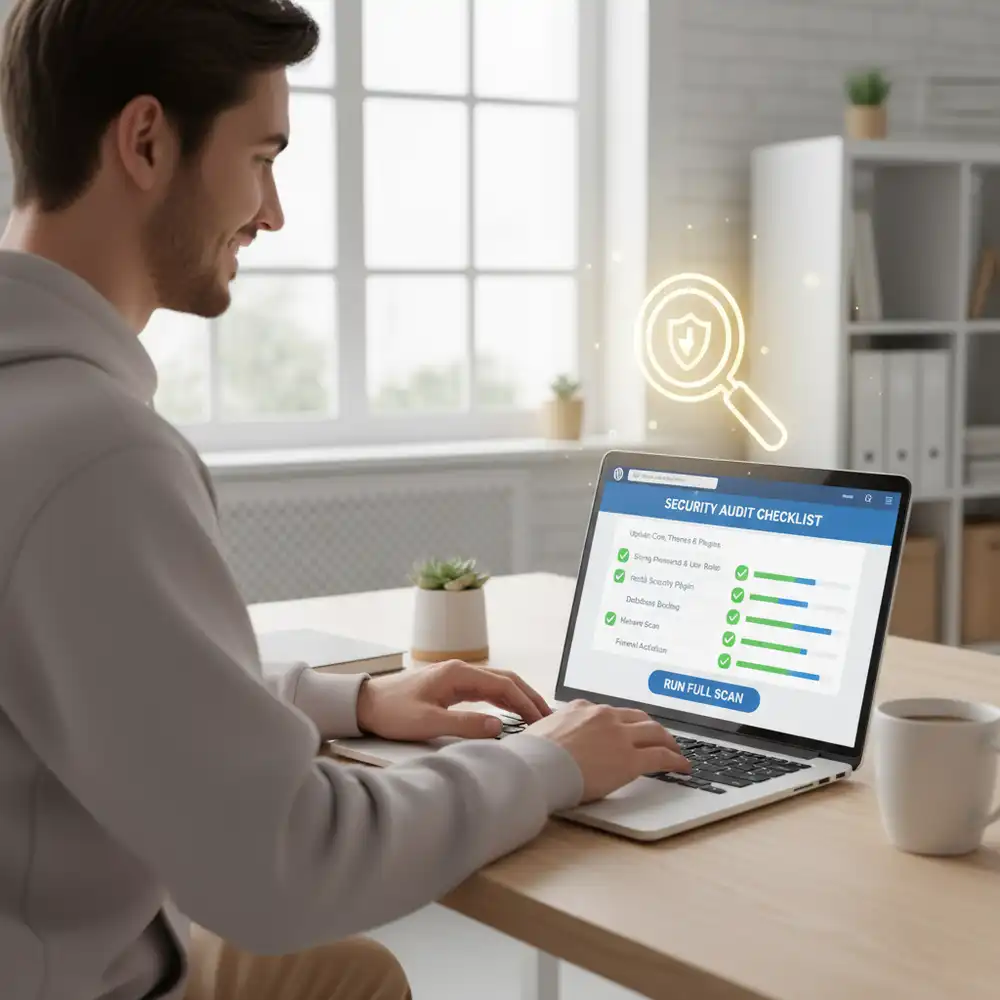
Introduction When it comes to your WordPress website’s security, waiting for a problem to happen is not a strategy. A proactive approach is always better. You might think that you need to hire an expensive professional to check your site’s security, but that’s not always the case. With the right guidance, you can perform a […]
The WordPress Developer’s Security Checklist: Beyond the Basics

Introduction As a WordPress developer, you build the engines that power the web. But with that power comes the responsibility to build securely. A simple security plugin and strong passwords are a good start, but for a professional developer, that’s just scratching the surface. True WordPress security is baked into the development process itself. It’s […]
A 10-Step WordPress Security Plan for Small Business Owners
Introduction As a small business owner, you wear many hats. You’re the CEO, the marketer, the customer service rep, and often, the IT department. With so much on your plate, it’s easy to overlook website security. Many small business owners think, “My site is too small to be a target.” Unfortunately, that’s a dangerous misconception. […]
The Ultimate WooCommerce Security Checklist for 2025

Introduction Running a WooCommerce store is an exciting venture, but it comes with a profound responsibility: protecting your customers’ data and your business’s reputation. In the world of e-commerce, security is not just a technical detail; it is the foundation of customer trust. A single security breach can lead to devastating financial losses, a tarnished […]
WordPress XML-RPC Security: Why and How to Disable It
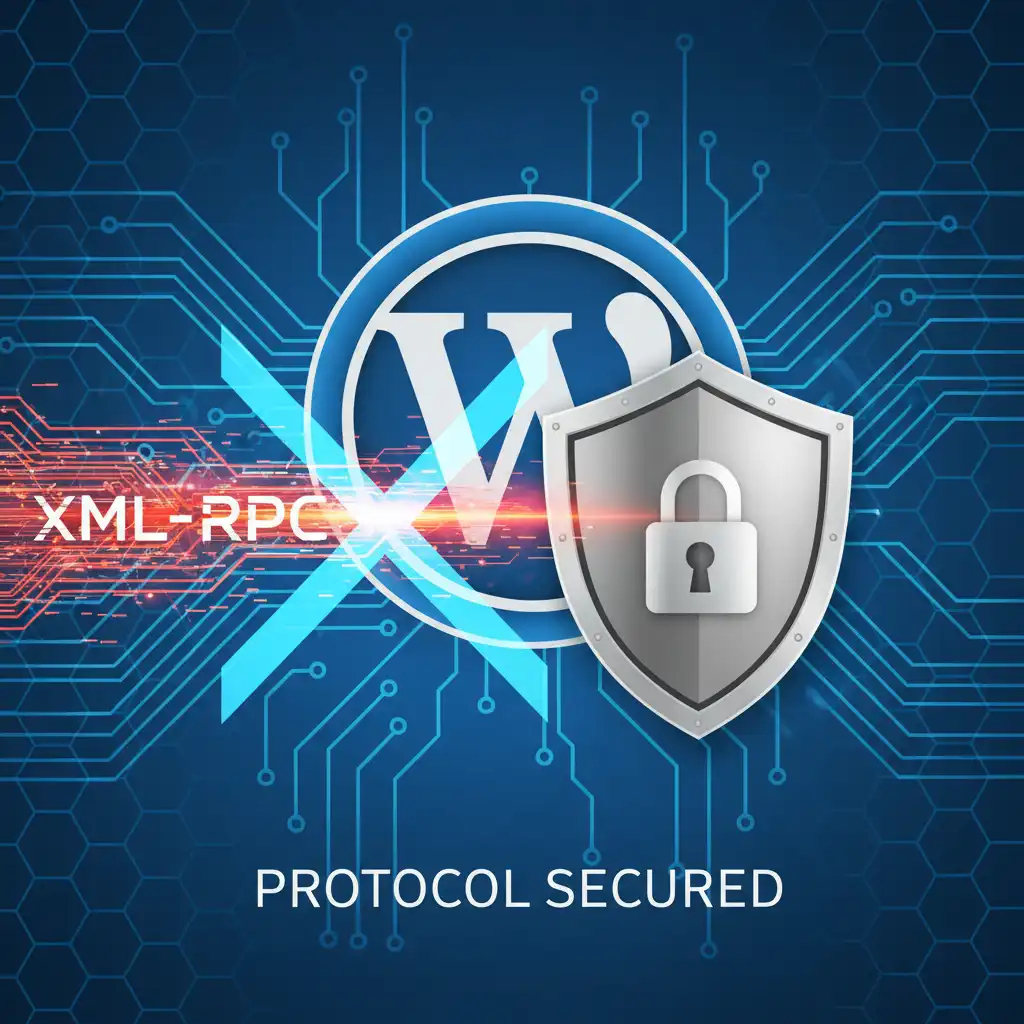
Introduction In the world of WordPress security, there are well-known threats and then there are legacy features that quietly pose a significant risk. The xmlrpc.php file is one such feature. Originally created to allow remote connections to WordPress, this file has become a major target for attackers. While it once served a useful purpose, its […]
WordPress Activity Log: Monitoring for Suspicious Behavior
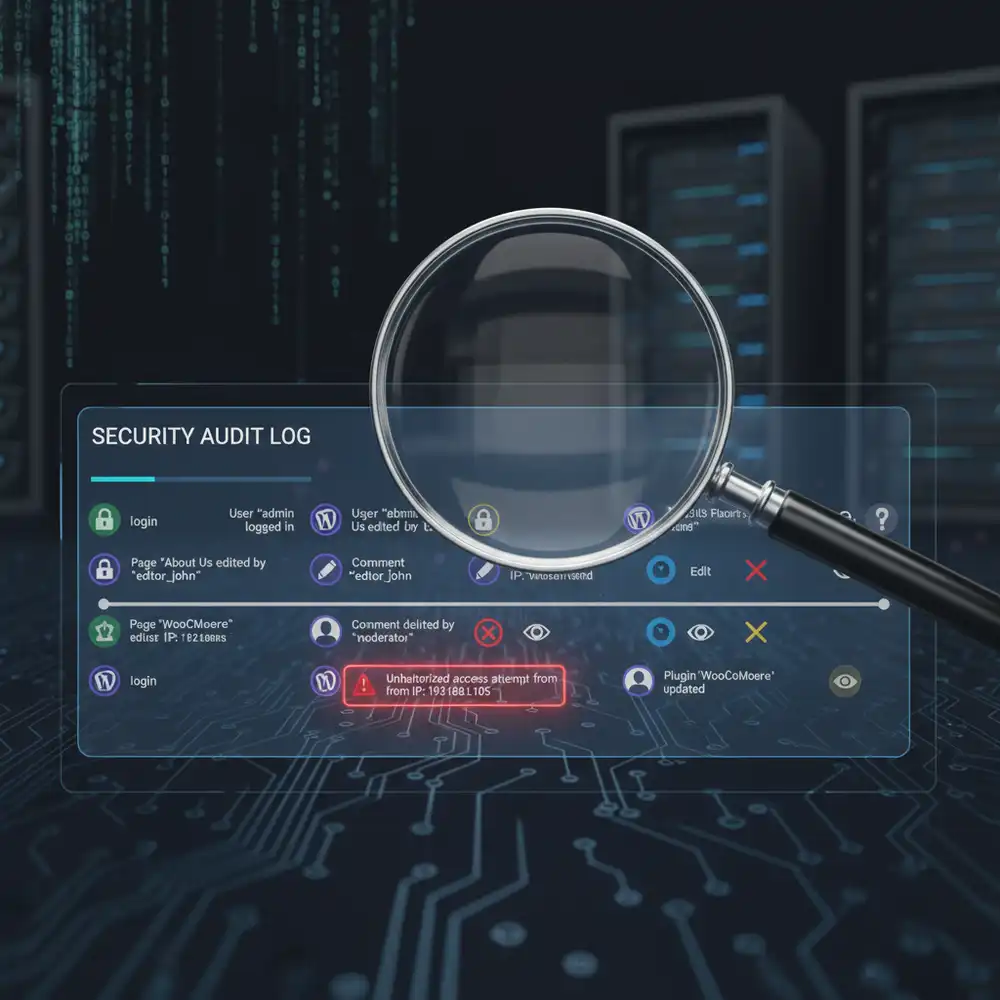
Introduction As a WordPress site owner, you have many responsibilities, but one of the most critical is security. You can have strong passwords, firewalls, and secure hosting, but if you don’t know what’s happening on your site, you’re missing a key piece of the security puzzle. This is where a WordPress activity log comes in. […]
WordPress User Roles and Permissions: A Security Guide
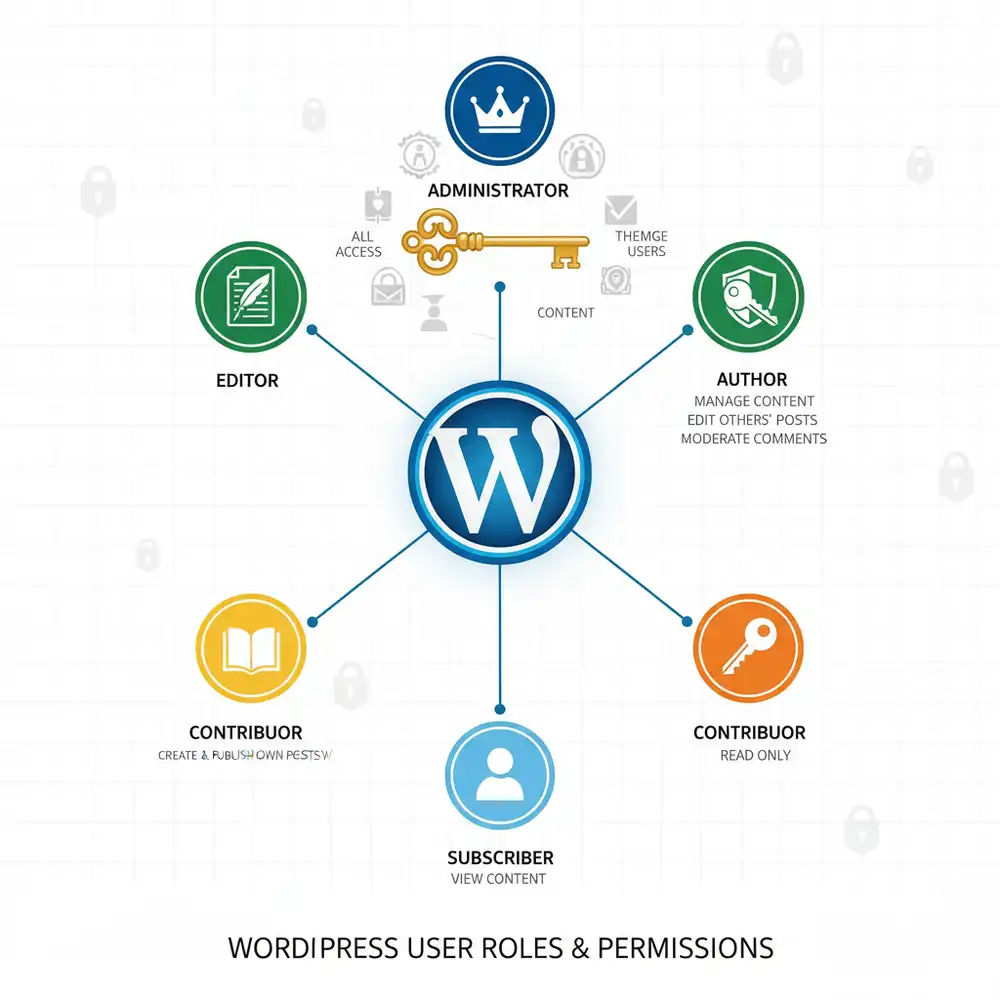
Introduction Managing a WordPress website, especially one with multiple contributors, is a team effort. But just like in any team, not everyone should have the same level of access. You wouldn’t give a new intern the keys to the company safe, and similarly, you shouldn’t give every user on your WordPress site full administrative privileges. […]